This integration was built by our partners, and the wait time in case of any technical issues might be a bit longer than for a regular support request.
With Foreword, you can build professional contact forms in minutes with smart conditional logic and ready-to-use templates. Capture customer inquiries, support requests, and feedback with customizable forms that adapt based on user responses.
Integration benefits
- Deflect tickets for common inquiries, support requests, and feedback with customizable forms that adapt based on user responses.
- Reduce customer effort by automatically receiving tickets when your contact form is unable to answer a question.
Steps
- From your Gorgias account, head to Settings → App Store → All Apps
- Find Foreword on the list
- After selecting the app, click on the Connect App button
- Link your Shopify store and click Install
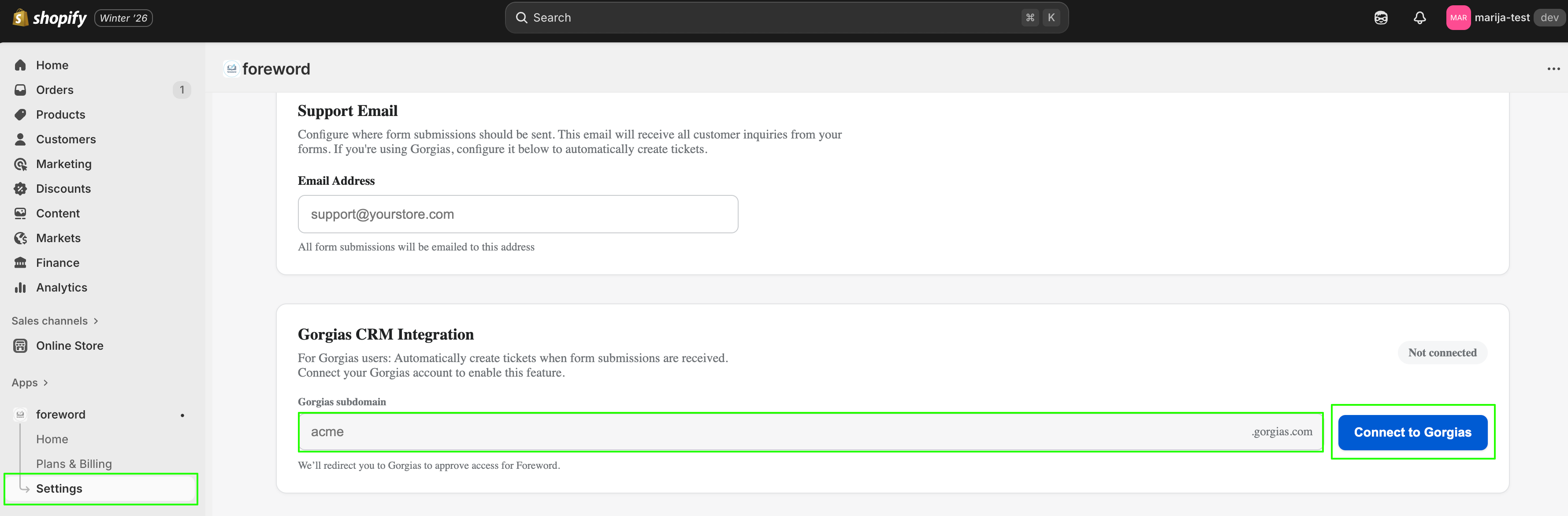
- While in the Foreword app in your Shopify account, go to the Settings tab and add your Gorgias subdomain:
- Authorize the app
- Once installed, there will be no HTTP integration created!
Create a form (pick a template or build a custom one) in the app that customers will use to reach out: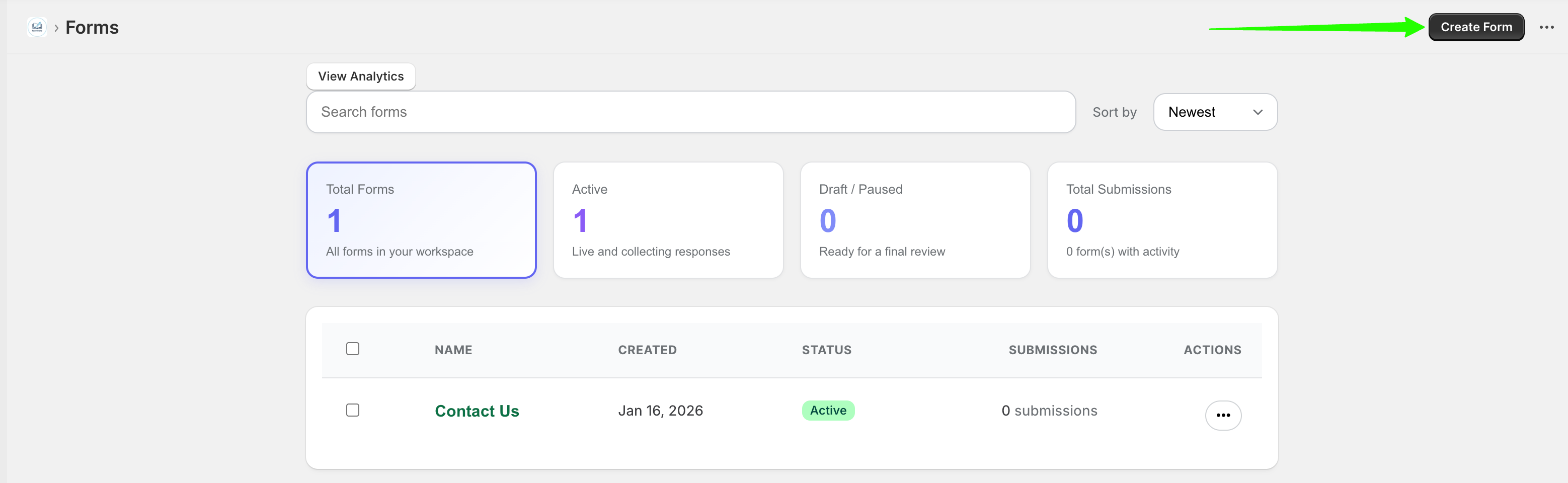
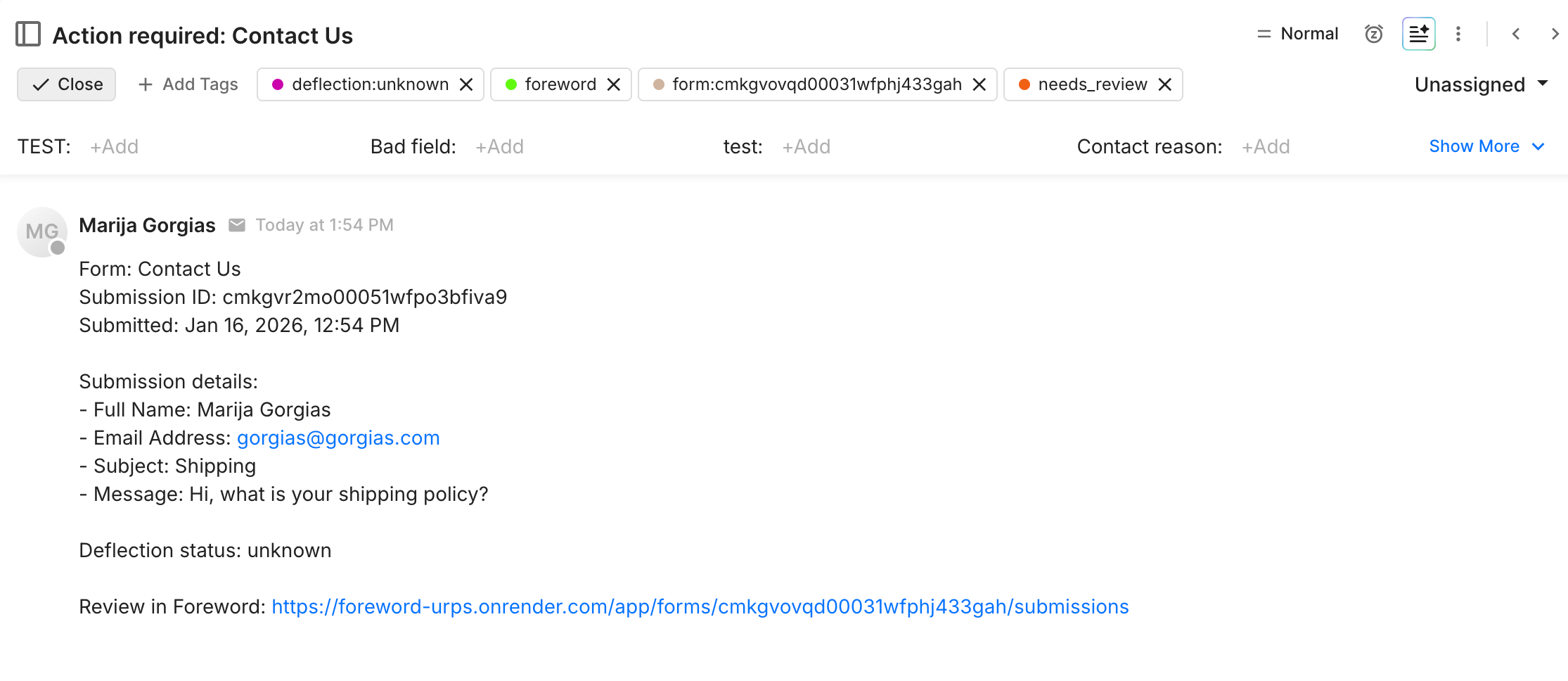
Once a form is submitted by a customer, a ticket is created in Gorgias, which is also tagged by the app’s default tags: