1. Navigate to Settings -> Users & Teams -> Teams.
2. Click on the team you want to delete.
3. Go to the Settings tab.
4. Click on Delete Team and Confirm.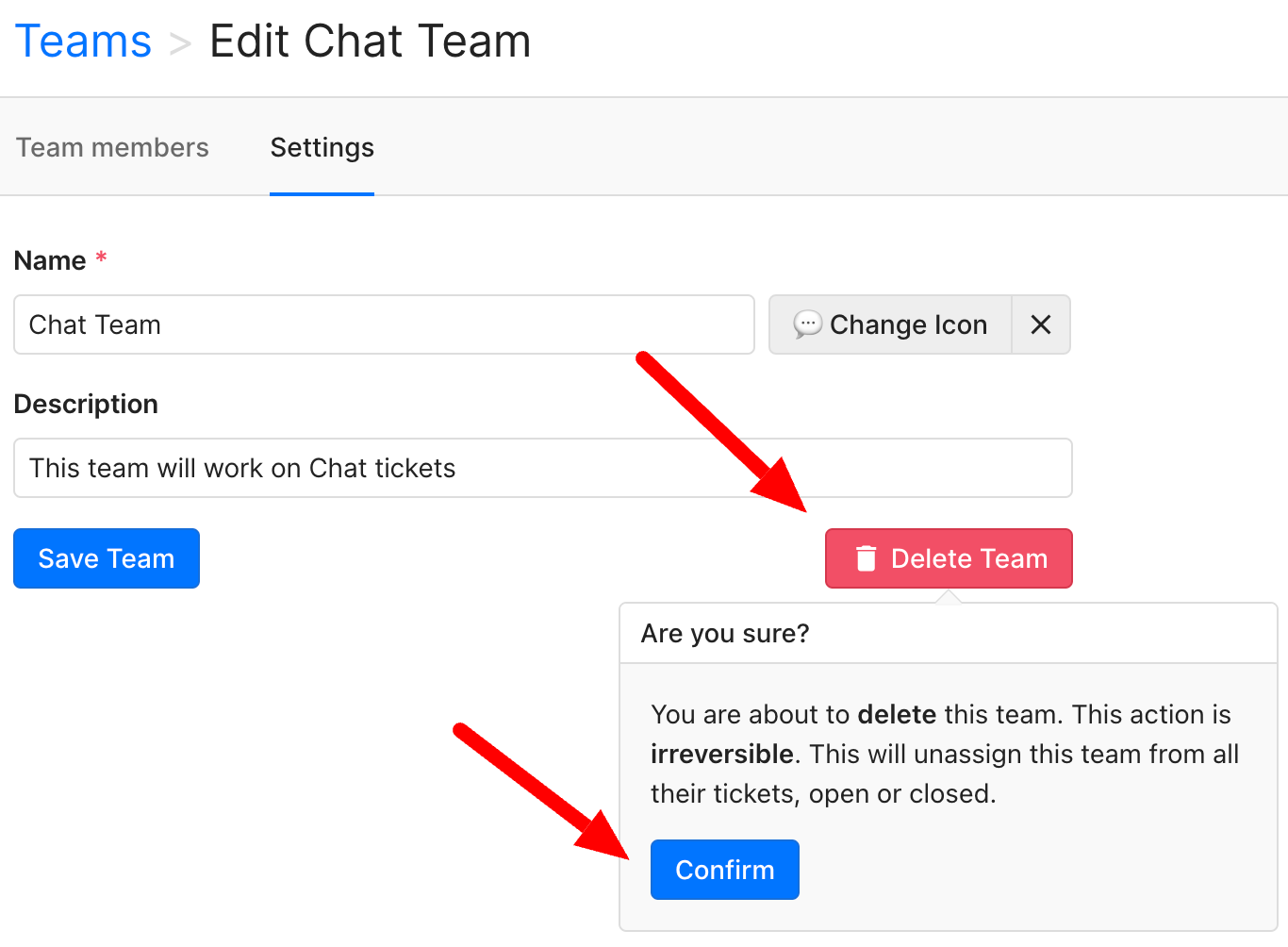
1. Navigate to Settings -> Users & Teams -> Teams.
2. Click on the team you want to delete.
3. Go to the Settings tab.
4. Click on Delete Team and Confirm.
What did you think about this content?